Digital Signage and Ad-Server Software for Modern Vending Screens
Use VendingTracker to manage on-screen promotions, branded content, and compatible ad-server workflows from the cloud.
The digital signage layer is designed to behave like an operating workflow, not a vague promise about engagement.
Cloud-managed screen content
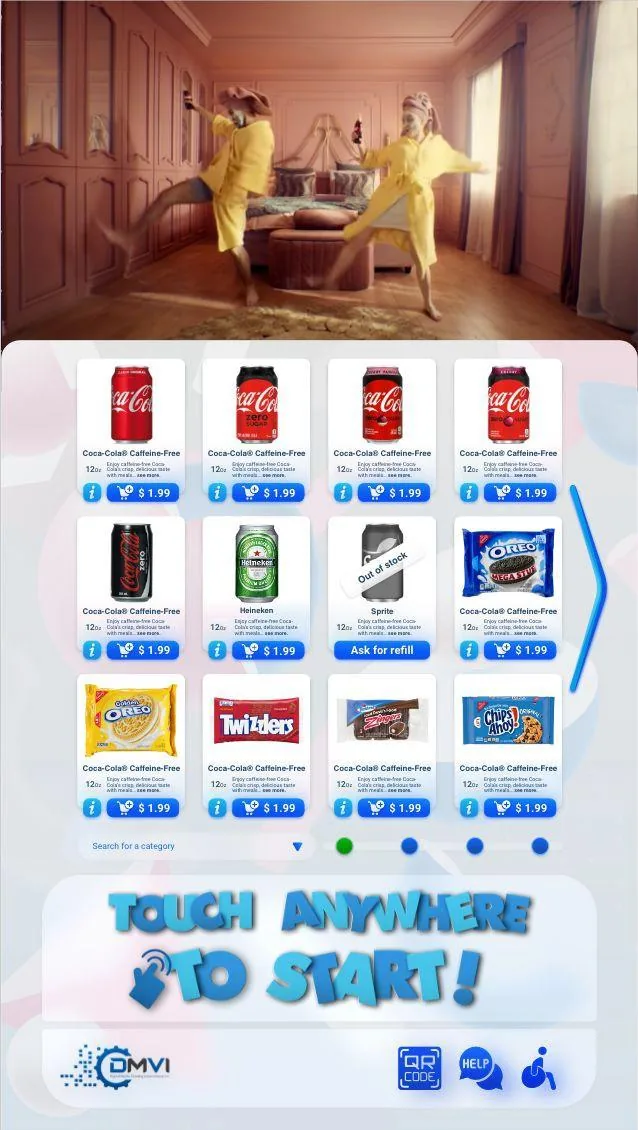
Push content updates to vending screens across the fleet from the VendingTracker cloud, with no USB drives, no manual screen management, and no on-site visits required.
Digital signage also works well alongside white-label vending software and hybrid fulfillment where branding, content, and follow-up workflows need to stay coordinated.
What the signage layer is for
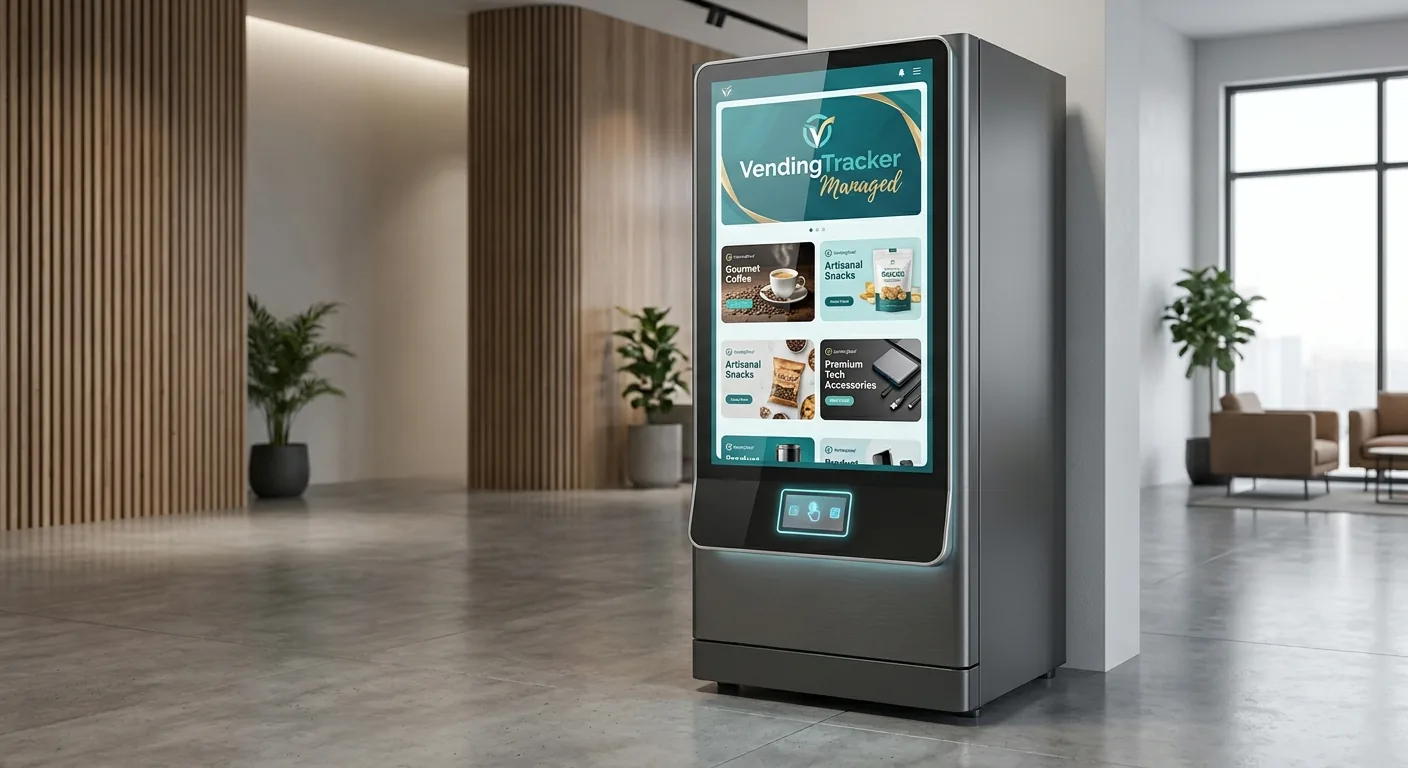
Digital signage in vending is more than a screen existing on the machine. It is the ability to schedule, swap, and manage promotional or branded content as part of the deployment.
That may include operator promotions, program information, OEM-branded content, or supported ad-server connectivity where the business model calls for it.
- Branded content and promotional control
- Cloud-based publishing workflows
- Third-party ad-server review where supported
- Natural fit with Theme Manager and OEM white-label deployments
How it fits the wider platform
Content control becomes more valuable when the machine also supports white-label vending software, dynamic promotions, route-specific campaigns, or hybrid fulfillment that needs a strong screen experience.
For many deployments, the screen becomes part of the wider operating workflow rather than a standalone decorative feature.
FAQ
Can VendingTracker machines display digital advertising?
Yes. VendingTracker supports branded content and promotional screen workflows, and can be assessed for ad-server connectivity where the deployment requires it.
How does VendingTracker connect to third-party ad servers?
The exact path depends on the ad server, the machine environment, and available APIs or SDKs. DMVI reviews those requirements during integration scoping.
Can different machines show different content?
Yes. Different machines, locations, brands, or deployments can run different content and theme configurations from the same software platform.
Can VendingTracker schedule content delivery?
Scheduling depends on the deployment configuration and integration path, but content publishing and campaign management are part of the broader signage story.
What is the difference between vending digital signage and a vending screen?
A screen is the physical display. Digital signage is the cloud-managed content layer that controls what appears on that screen and when.
Ready to move forward?
Book a demo, request a compatibility review, or start an integration conversation with the right technical context from the start.