Direct support
If the machine is already in a supported path, the conversation can move quickly into demo, timing, and pricing.
Use compatibility review to confirm whether your current machines are already supported, whether a retrofit path is realistic, or whether the project needs a new integration conversation.
The review starts with machine reality: model, controller, payment setup, deployment environment, and whether the machine is smart, MDB, Pulse, or still unclear.
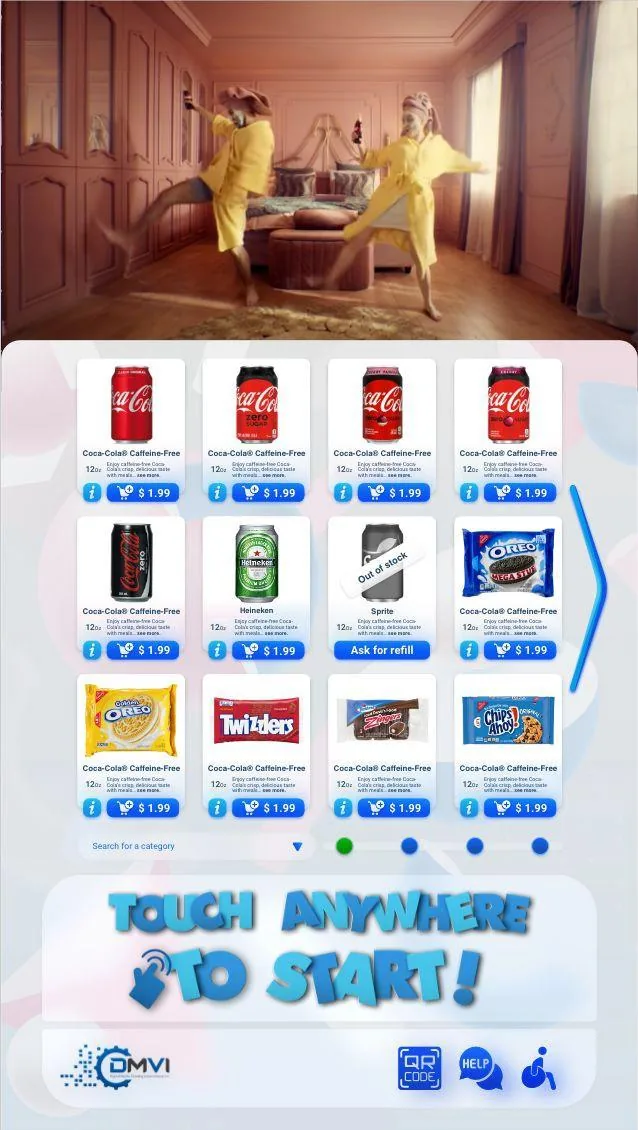
Compatibility is rarely a yes or no based on a brand name alone. The real answer depends on the machine model, controller state, payment hardware, deployment environment, and whether direct support, retrofit, or new integration is the right lane.
That is why the compatibility page is built around machine review logic first, rather than pretending every cabinet can be assessed with a shallow checkbox list.
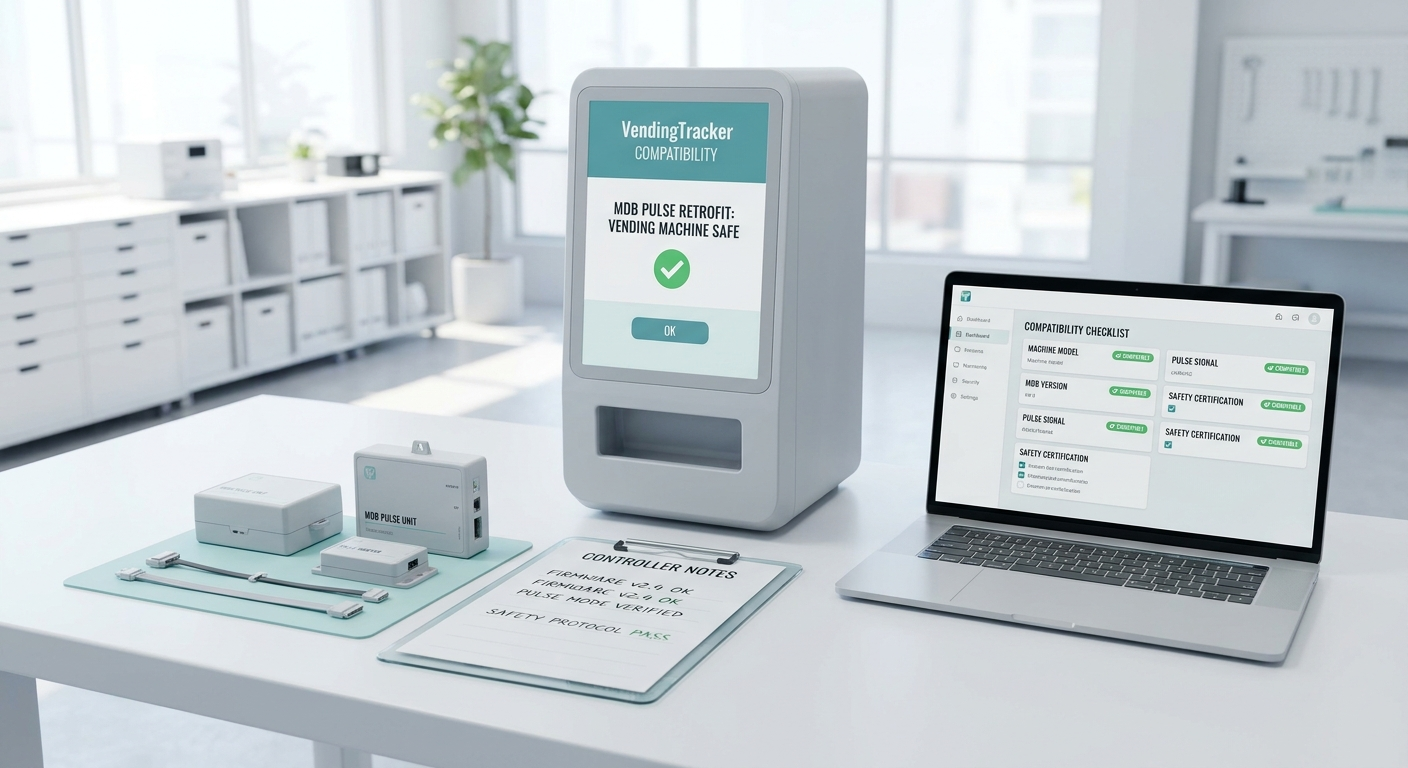
Check compatibility first if you have a working machine and want to know whether VendingTracker can support it directly.
Request retrofit review if you have MDB or Pulse equipment and want to modernize the cabinet without immediately replacing it.
Ask about integration if the machine is unusual, the hardware is custom, or the protocol and SDK review is the real question.
A clean machine review prevents false starts and protects both the buyer and the deployment team from scope assumptions that collapse under technical detail.
That is especially important for mixed fleets, retrofits, and regulated deployments where the machine path affects software scope, rollout timing, and commercial fit.
If the machine is already in a supported path, the conversation can move quickly into demo, timing, and pricing.
If the cabinet is older but structurally sound, retrofit may be the best path to modern monitoring, payments, and UI.
If the hardware is unusual, the integration conversation can start with the right protocol and access questions rather than guesswork.
Once the machine path is clear, most buyers move next into vending machine financial reporting, digital signage capabilities, or the live monitoring workflow because those are the areas that shape adoption and ROI.
Use the internal links throughout the site to keep the review grounded in the features the machine will actually need once it is live.
When the question shifts from software fit into cabinet choice, form factor, or whether a new machine is a better answer than retrofit, it helps to review the adjacent DMVI hardware pages directly.
Those pages are not a substitute for compatibility review, but they do give buyers a cleaner picture of the machine families and deployment shapes on the table.
VendingTracker supports many smart machines and offers a retrofit review path for MDB and Pulse equipment. If the machine is unusual, DMVI can assess a new integration when hardware and protocol details are available.
MDB stands for Multi-Drop Bus, a legacy communication standard common in older vending cabinets. MDB machines can often be modernized through a retrofit path instead of full replacement.
Pulse is another older control interface found in legacy vending fleets. Like MDB, it may still be a candidate for retrofit depending on the machine model and controller state.
A DMVI Android IPC is the controller used to add modern Android OS-based software, touchscreen capability, remote monitoring, and updated workflows to compatible legacy cabinets.
Yes. The machine-side software is Android OS-based because DMVI wanted a fast touchscreen environment designed for 24/7 operation rather than a slower or less touchscreen-native stack.
Share the manufacturer, model, controller type, machine interface, current payment setup, and deployment goal. Those details are what allow DMVI to give a specific answer.
Yes, in many cases, if protocol or SDK information is available and the commercial scope makes sense. New integrations are reviewed case by case.
Yes. Operators can manage machines from different manufacturers within the same dashboard, which is especially useful for fleets that have grown through different procurement decisions.
Book a demo, request a compatibility review, or start an integration conversation with the right technical context from the start.