Nayax
A strong fit for international deployments that want a proven terminal option across multiple countries.
VendingTracker supports cashless payments and dynamic QR pay-on-phone flows across compatible smart machines and retrofit deployments.
The goal is straightforward: reduce checkout friction and match the payment path to the hardware and geography of the deployment.
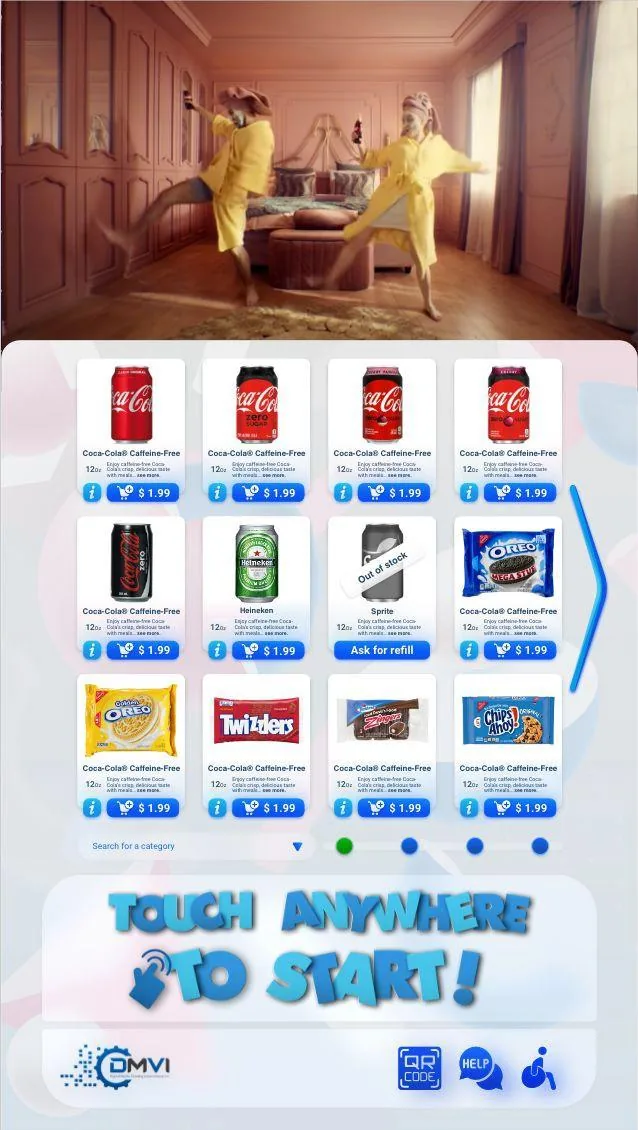
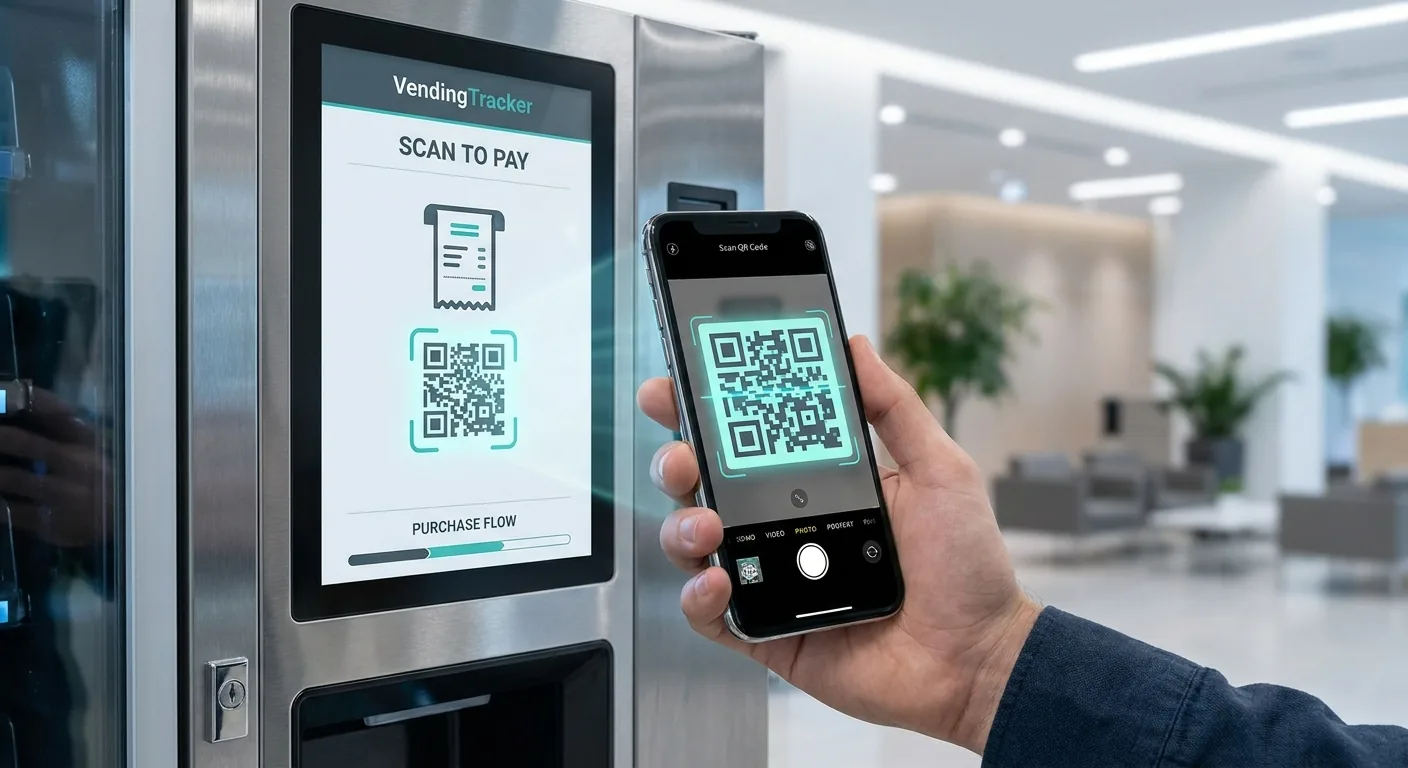
Dynamic QR payments present a transaction-specific code on the machine screen so the shopper can complete payment on a phone.
That can be useful where terminal-led card hardware is not the right fit or where a phone-led flow creates a better operating result.
VendingTracker gives operators and OEM teams more than one credible payment path, so the deployment can match the market instead of forcing the market to match the hardware.
Today, that means Nayax for broad international terminal coverage, a payment-rails-agnostic MagTek terminal option for US deployments, and Mercado Pago for LATAM projects that want a dynamic QR payment flow.
A strong fit for international deployments that want a proven terminal option across multiple countries.
A strong fit for US projects that want terminal flexibility without anchoring the whole offer to one payment rail.
A strong fit for Latin American deployments that want a shopper-friendly dynamic QR payment experience.
The fastest way to confirm the right payment path is to share your machine model, controller type, current payment terminal, and target region. With that context, DMVI can quickly narrow the answer to the options that actually fit.
Those details determine whether the best commercial path is terminal-led cashless, QR pay-on-phone, or a broader integration review.
Payment integrations should be matched to hardware, geography, and shopper expectations rather than sold as one universal template. That keeps the rollout commercially sensible and avoids the usual avoidable integration nonsense later.
Operators who arrive with machine and region detail tend to get to a real answer much faster.
Yes. VendingTracker supports terminal-led cashless payments for compatible deployments and can be assessed for the right processor or payment environment.
The machine displays a transaction-specific QR code, the shopper scans it on a phone, completes payment, and the confirmation returns to the machine to complete the workflow.
In supported configurations, yes. Retrofit work can bring older cabinets into a modern payment environment, including QR workflows where appropriate.
Current deployed payment paths include Nayax for broad international terminal coverage, a payment-rails-agnostic MagTek terminal option for US deployments, and Mercado Pago for LATAM dynamic QR payments. The best fit still depends on the machine path and regional payment environment.
Book a demo, request a compatibility review, or start an integration conversation with the right technical context from the start.