Vending Machine Inventory, Route Management, and Planogram Control
Inventory control becomes more useful when operators can see what is in each machine, what is changing, and which cabinets need attention first.
VendingTracker combines stock visibility, route priorities, and planogram control so replenishment is managed from live operating context rather than folklore.
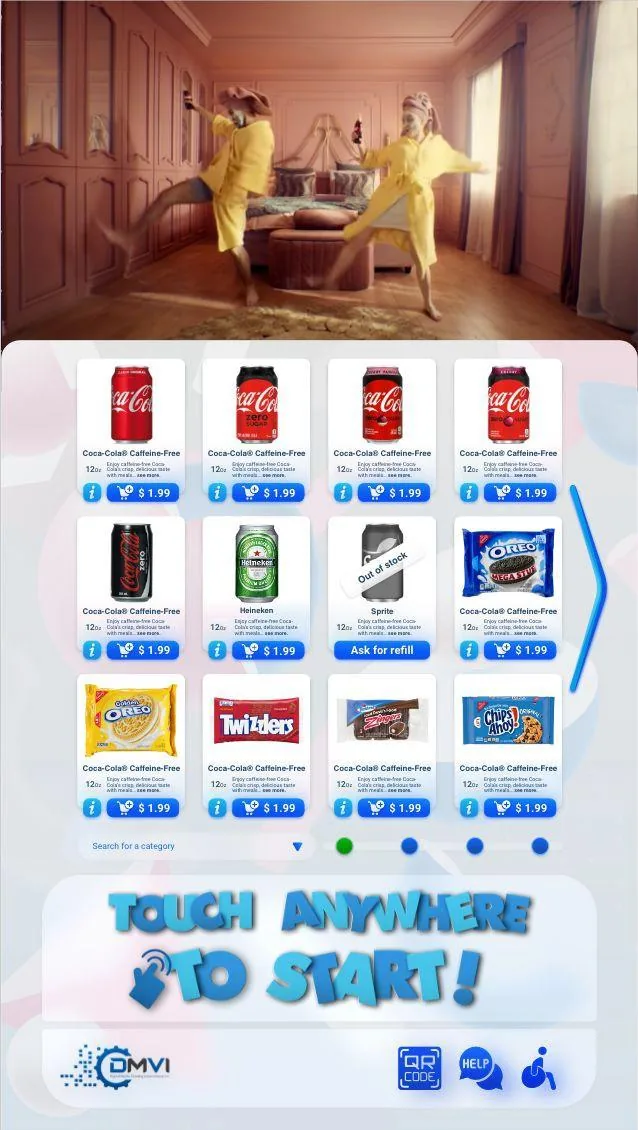
See stock and refill priorities in one view
See how stock visibility, merchandising, and route planning work together in one operating system.
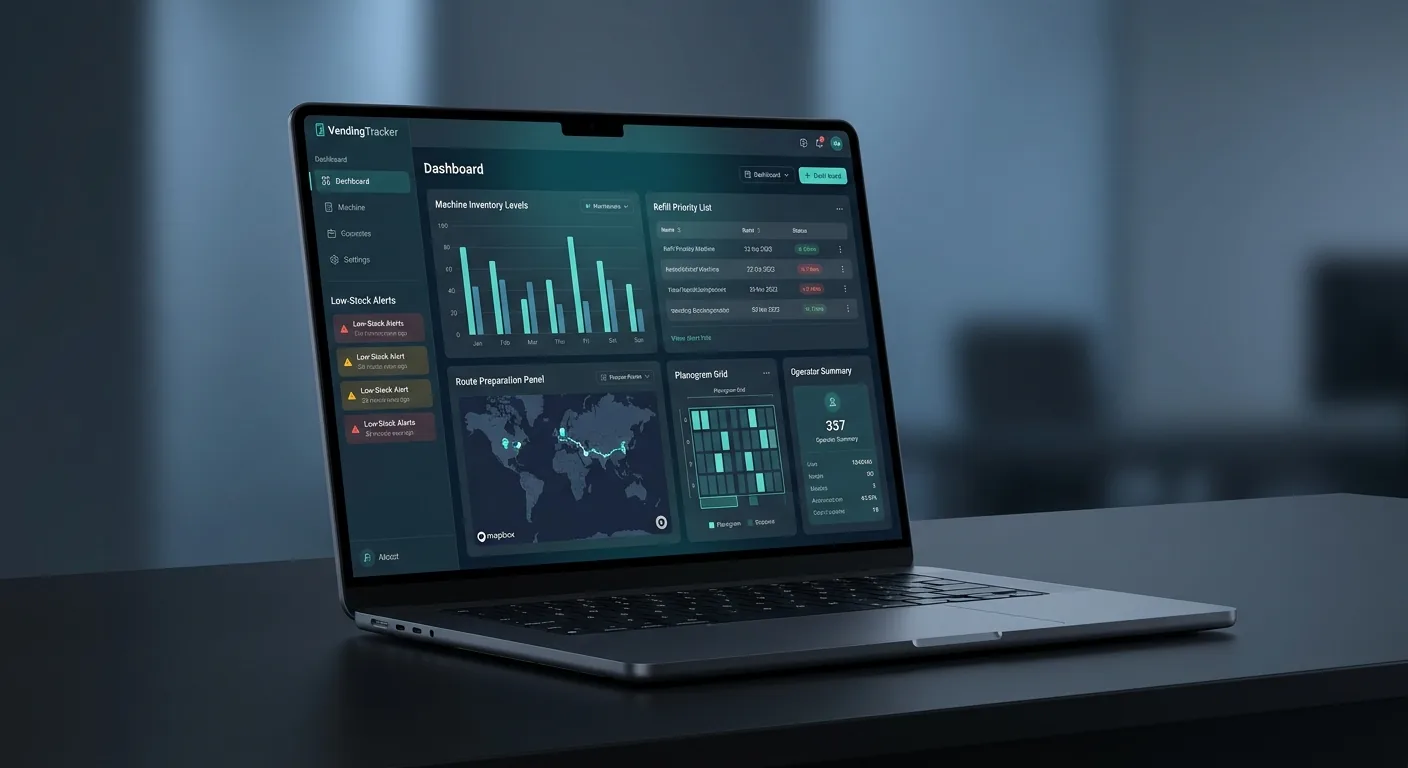
The view makes refill priorities, planogram decisions, and route preparation easier to understand and easier to act on.
What operators control
VendingTracker gives operators a live view of what is in each machine, what is changing, and which machines need attention first so replenishment decisions are driven by data, not habit.
Manage product placement, facing counts, and pricing from the same platform you use for monitoring and reporting so planogram changes are visible and consistent across the fleet.
- Stock visibility by machine and product
- Planogram and merchandising control
- Refill priority logic based on actual need
- Pre-kitting support using current stock data
- Connected links into real-time fleet monitoring and vending machine financial reporting
Why inventory and route pages convert
Operators do not buy inventory software for the pleasure of looking at counts. They buy it to reduce out-of-stocks, cut wasted visits, improve pre-kitting, and make route decisions with less guesswork.
Ready to see the inventory and route workflow? Book a demo to walk through the operating model with a VendingTracker specialist.
FAQ
How does VendingTracker manage vending machine inventory?
VendingTracker provides a live inventory view by machine and product so operators can see stock positions, identify low-stock machines, and build refill priorities from current data.
What is a vending machine planogram?
A planogram is the machine layout that defines which products go in which slots, how many facings each item gets, and how the cabinet is merchandised.
Can VendingTracker optimize vending routes?
Yes. VendingTracker helps teams prioritize route visits using live stock visibility and machine signals instead of relying only on fixed schedules.
What is pre-kitting in vending route management?
Pre-kitting means preparing the exact refill quantities for each machine before the route starts. Better stock data makes pre-kitting faster and more accurate.
Can I manage inventory across different machine types in one view?
Yes. Compatible smart machines and retrofit units can be managed from the same dashboard, which is especially useful for mixed fleets.
Ready to move forward?
Book a demo, request a compatibility review, or start an integration conversation with the right technical context from the start.