Vending Machine Financial Reporting — Sales, Profitability, and Commission Tracking
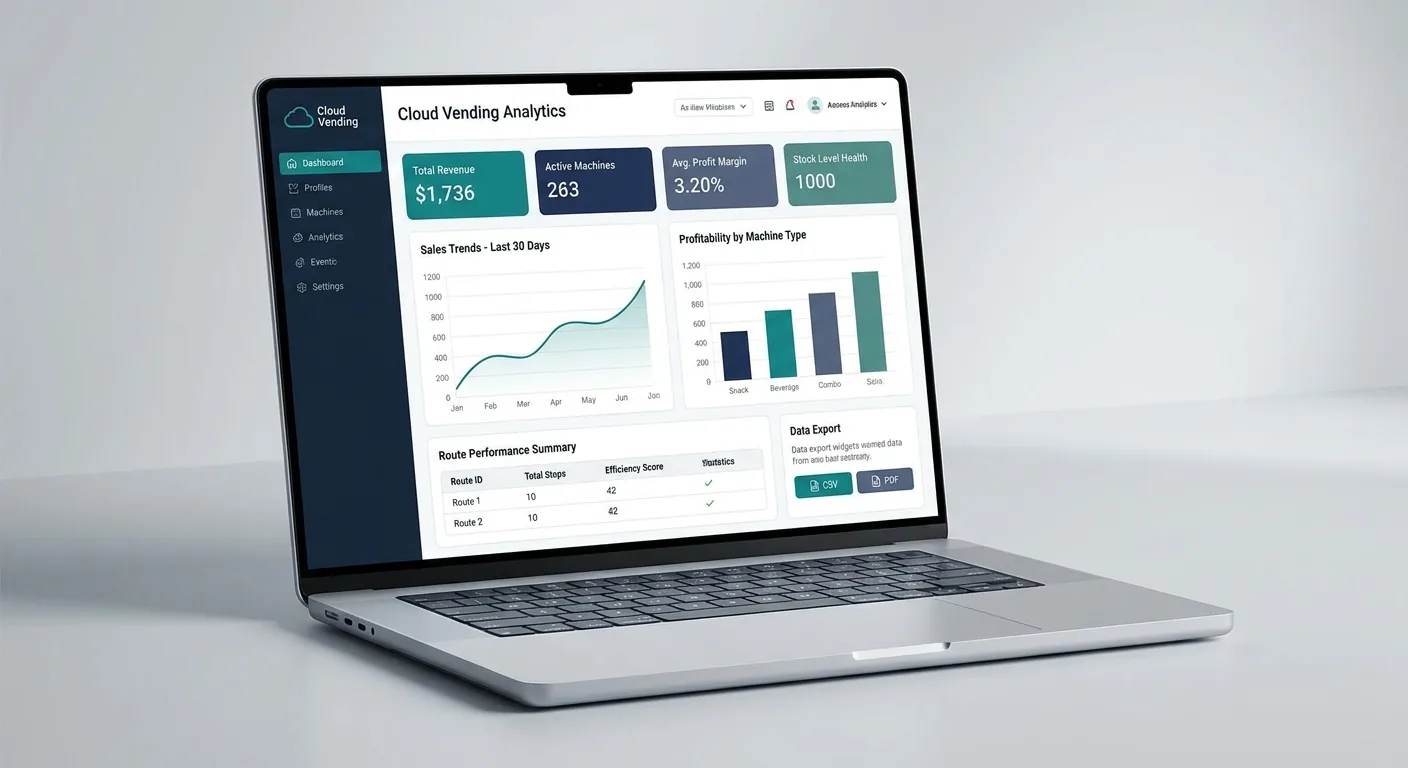
This dedicated reporting feature page focuses on the commercial layer of VendingTracker: sales visibility, profitability tracking, commission support, and exportable reporting.
The page exists because reporting is a strong buying driver in its own right and deserves a clearer keyword-targeted landing page than a generic platform overview.
What this feature controls
This dedicated reporting feature page focuses on the commercial layer of VendingTracker: sales visibility, profitability tracking, commission support, and exportable reporting.
The page exists because reporting is a strong buying driver in its own right and deserves a clearer keyword-targeted landing page than a generic platform overview.
- Machine-level profit and sales visibility
- Route and location reporting
- Commission tracking and partner reporting
- Exportable reporting outputs
- Connected fit with telemetry and inventory data
How it fits the wider platform
Use it for owner-operators, finance teams, location partners, and regional managers who need commercial visibility beyond basic telemetry.
Reporting works best when it stays connected to machine activity, inventory movement, and route context.
Why buyers evaluate this feature directly
Many buyers begin with one operational problem, such as retrofit feasibility, route efficiency, branding, reporting, or payment fit, before they are ready to review the full platform.
VendingTracker connects each feature to the surrounding workflow so buyers can move naturally into compatibility, reporting, payments, inventory, or branding without losing context.
FAQ
What reporting does VendingTracker produce?
The platform supports sales, profitability, commission, and trend reporting at machine, route, location, and fleet level.
Who uses the reporting page most?
Owner-operators, finance teams, regional managers, and location partners are typical buyers for the reporting story.
Can I export the data?
Yes. Reporting outputs can be exported for accounting, spreadsheet review, or partner reporting workflows.
Does reporting connect to inventory and telemetry?
Yes. That connection is part of what makes the commercial layer more useful.
Can I review the dashboard in a demo?
Yes. Book a demo to walk through the reporting workflow with the right context.
Turn the feature brief into a machine-fit decision
Feature pages are most useful when they lead straight into compatibility review, workflow walkthroughs, or a scoped platform demo.