Owner-operators
Review sales and profit patterns without manually stitching together multiple sources.
VendingTracker gives owner-operators and multi-site teams a clear reporting layer for sales, profitability, commissions, and trend analysis.
The point is not ceremonial reporting. The point is cleaner commercial visibility across machines, routes, and locations.
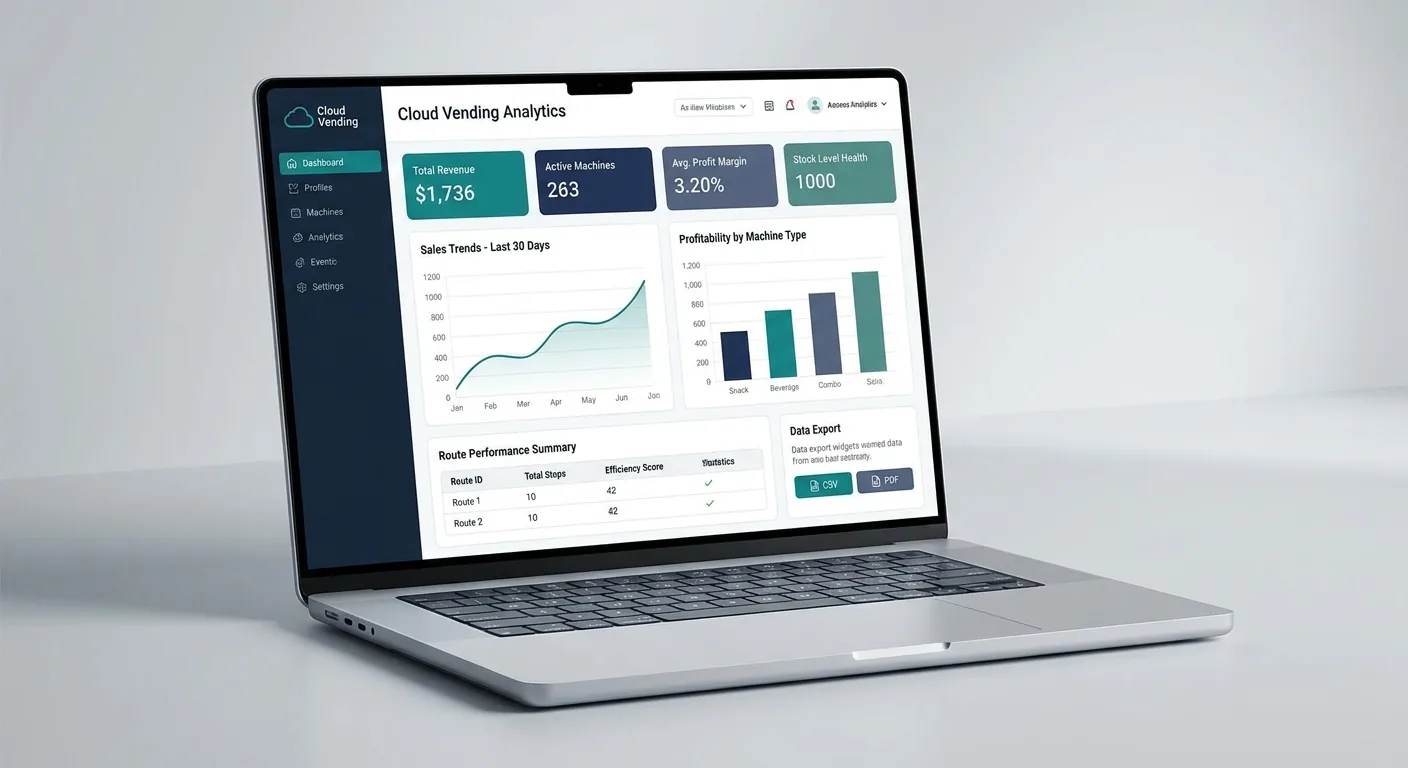
VendingTracker consolidates sales data, machine activity, and operational signals into a single reporting view, eliminating the need to compile results from multiple spreadsheets or disconnected systems.
That matters when operators want to know which machines are generating profit, which routes are underperforming, and where service cost or downtime is distorting the result.
Owner-operators use it to understand which assets deserve attention. Regional or multi-site teams use it to compare locations, review route performance, and give finance or partner stakeholders cleaner data.
Book a demo to walk through the reporting and profitability views with a VendingTracker specialist.
Review sales and profit patterns without manually stitching together multiple sources.
Compare site performance and identify routes or machines that need intervention.
Export cleaner data for accounting, commissions, and stakeholder reporting.
VendingTracker provides machine-level and fleet-level sales reporting, profitability tracking, trend analysis, commission support, and exportable data.
Yes. The reporting layer can support commission workflows and location-partner reporting based on machine sales data.
Operators can review performance by machine, location, route, or full fleet, which makes it easier to compare sites and identify underperforming assets.
Yes. VendingTracker supports exports so sales and performance data can be used in spreadsheets, accounting systems, or partner reporting workflows.
Yes. Machine-level reporting helps operators understand which assets are contributing profit and which locations or routes need attention.
Book a demo, request a compatibility review, or start an integration conversation with the right technical context from the start.